Accessibility in UI/UX Design: WCAG Guidelines
Accessibility in UI/UX Design: WCAG Guidelines

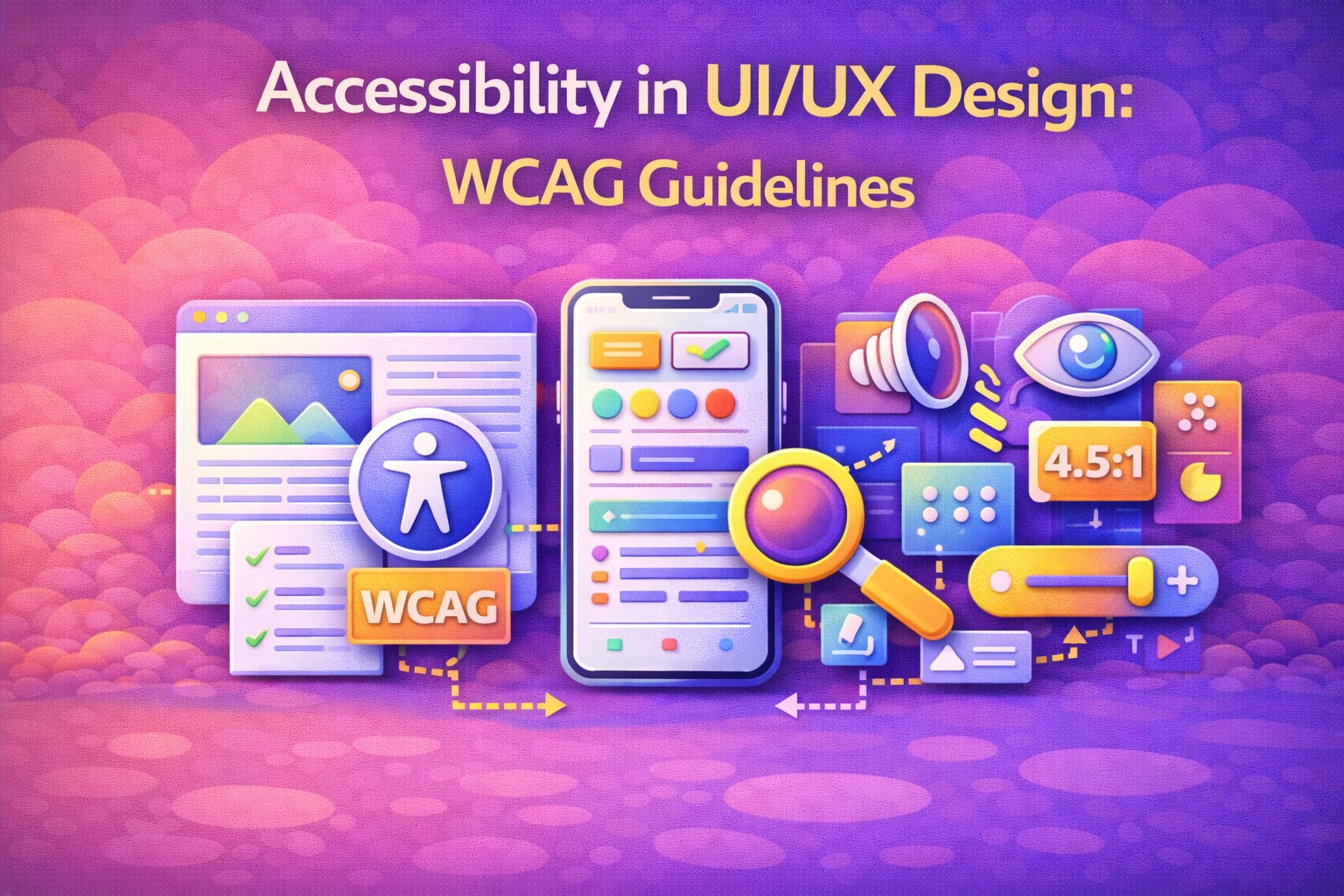
Accessibility in UI/UX Design: WCAG Guidelines
Imagine visiting a website where the text is too small to read, buttons have no labels, and the navigation collapses the moment you try to tab through it. For millions of people with disabilities worldwide, this isn’t a hypothetical frustration — it’s a daily reality. That’s exactly why UI UX accessibility has moved from a nice-to-have to a non-negotiable business imperative.
Today, more than 1.3 billion people globally live with some form of disability. Designing digital experiences that exclude this population isn’t just a missed opportunity — it’s increasingly a legal liability. This is where WCAG guidelines come in: a comprehensive, internationally recognized framework that helps designers and developers create digital products that work for everyone.
Whether you work with a boutique studio or a global ui & ux design agency, understanding accessibility is no longer optional. Let’s break down what WCAG means, why it matters, and how you can apply it to build more inclusive products.
What Are WCAG Guidelines?
The Web Content Accessibility Guidelines (WCAG) are developed by the World Wide Web Consortium (W3C) under its Web Accessibility Initiative (WAI). These WCAG guidelines outline specific technical and design criteria that make digital content more accessible to people with visual, auditory, motor, cognitive, and neurological disabilities.
The guidelines are built around four foundational principles — often referred to by the acronym POUR:
Perceivable — Information and UI components must be presented in ways users can perceive (e.g., alt text for images, captions for video).
Operable — All UI components and navigation must be operable, including full keyboard accessibility and no seizure-triggering content.
Understandable — Content and interface behavior must be predictable and clear, including readable text and helpful error messages.
Robust — Content must be robust enough to work reliably with assistive technologies like screen readers, voice navigation tools, and Braille displays.
These principles apply across WCAG versions 2.1 and the newer 2.2, with three conformance levels: Level A (minimum), Level AA (recommended standard for most organizations), and Level AAA (highest, used in specialized contexts). For most teams delivering ui ux web design services, achieving Level AA is the baseline goal and the legal benchmark in many countries.
For a deep dive into the technical specifications, visit the official W3C Web Accessibility Initiative (WAI) — the authoritative global body behind all web accessibility standards.
Why Accessibility Is a Design Priority, Not an Afterthought
Many teams treat accessibility as a retrofit — something bolted on after the product ships. This approach is both costly and counterproductive. Research consistently shows that building accessible UI UX design from the ground up reduces development time, lowers the risk of costly redesigns, and improves the experience for all users, not just those with disabilities.
Consider this: accessible design principles like sufficient color contrast, clear typography, logical content structure, and keyboard-friendly navigation benefit every user — including someone using a phone in bright sunlight, a busy professional scanning content quickly, or an elderly user with declining eyesight.
Beyond usability, WCAG compliance for websites carries significant legal weight. In the United States, the Americans with Disabilities Act (ADA) references WCAG as the technical compliance standard. The European Accessibility Act (EAA), which began enforcement in June 2025, similarly mandates digital accessibility across EU member states. High-profile lawsuits against major retailers and financial institutions have resulted in multi-million-dollar settlements — a risk no organization should take lightly.
Core WCAG Requirements Every Designer Should Know
When building toward WCAG 2.1/2.2 Level AA compliance, here are the most critical requirements your team needs to address in accessible UI UX design:
Color Contrast Ratios — WCAG Success Criterion 1.4.3 requires a contrast ratio of at least 4.5:1 between text and background for standard text. Large-scale text (18pt or 14pt bold) requires a 3:1 ratio. This is one of the most commonly violated requirements in modern web design.
Keyboard Accessibility — Every interactive element — buttons, links, forms, dropdowns — must be fully navigable using only a keyboard. Tab order should follow a logical, predictable sequence that matches the visual layout of the page.
Alternative Text for Images — All meaningful images must include descriptive alt text that conveys the same information to users relying on screen readers. Decorative images should use empty alt attributes (alt="") so screen readers skip them.
Form Labels and Error Messages — Every input field must have an explicit label, not just a placeholder. Error messages should be specific, actionable, and displayed close to the field causing the issue.
Scalable Text and Responsive Layouts — Text must remain readable and functional when users scale it up to 200% without loss of content or functionality. This is especially important for users with low vision who rely on browser zoom.
Focus Indicators — Interactive elements must display a clearly visible focus state when navigated via keyboard. Removing the default browser outline without providing a superior custom alternative is a critical failure.
Captions and Transcripts for Media — Any video or audio content must include synchronized captions and, where appropriate, full text transcripts. This supports users who are deaf, hard of hearing, or in sound-sensitive environments.
Nielsen Norman Group’s Accessibility and Inclusive Design articles offer world-class UX research and practical guidance for teams at every level — a highly recommended read for anyone serious about UI UX accessibility.
WCAG Compliance in Your Design Process
Incorporating web accessibility standards into your workflow doesn’t require a complete overhaul. It starts with embedding accessibility checks at every stage of the design lifecycle. During discovery, include users with disabilities in research and testing. In wireframing, define semantic heading structures and ensure logical tab order. During visual design, use color contrast checkers and avoid communicating information through color alone. Before launch, conduct both automated audits (using tools like Axe, WAVE, or Lighthouse) and manual screen reader testing.
Teams delivering professional ui ux design services should integrate WCAG compliance into their standard design systems and component libraries — making accessibility the default, not an exception. This approach pays dividends in faster development cycles, fewer remediation cycles, and products that perform better in search rankings, since accessible markup aligns with SEO best practices.
How to Get Started with Accessible UI UX Design
The accessibility journey is iterative. Here’s a practical starting point for teams ready to improve their WCAG compliance for websites:
Conduct an accessibility audit of your current product using free tools like WAVE or Google Lighthouse. Prioritize findings by impact, fixing critical issues first (missing alt text, keyboard traps, and color contrast failures tend to top the list). Build a component library where every UI element is designed with accessibility baked in. Train your full team — not just developers, but designers, content writers, and QA testers — on WCAG requirements and testing techniques. Finally, involve real users with disabilities in usability testing to surface issues automated tools cannot detect.
If your team is growing and you need specialized expertise, consider the option to hire ui ux designers who are trained in WCAG and inclusive design methodologies. Having dedicated expertise accelerates compliance while improving the overall quality of your product.
The Business Case for Accessibility
Accessibility is good business. An inclusive digital product expands your potential audience by over a billion users worldwide. It reduces legal risk, strengthens brand reputation, and improves SEO performance. Increasingly, enterprise procurement teams and government agencies require WCAG compliance as a vendor qualification criterion. Organizations that prioritize accessible design consistently outperform peers in customer satisfaction and retention.
Investing in ui ux web design services that prioritize accessibility from the start is far less expensive than remediating an inaccessible product under legal pressure.
Final Thoughts
UI UX accessibility is not a constraint — it’s a design philosophy that pushes teams to build better, cleaner, more thoughtful digital experiences for everyone. The WCAG guidelines provide a clear, actionable roadmap toward that goal, and the business, legal, and ethical case for following them has never been stronger.
Whether you’re building from scratch or improving an existing product, now is the right time to commit to web accessibility standards and make WCAG compliance for websites a core part of your design culture.
You Might Also Like:
Looking to build inclusive, compliant digital products? Explore our ui ux design services or hire ui ux designers with deep expertise in accessibility and WCAG compliance.